
Welcome to Intoclimb
Your gym's map, competitions and community in one app.
An interactive route map, live competition scoring and insights for your gym, all in one app your climbers can download for free.


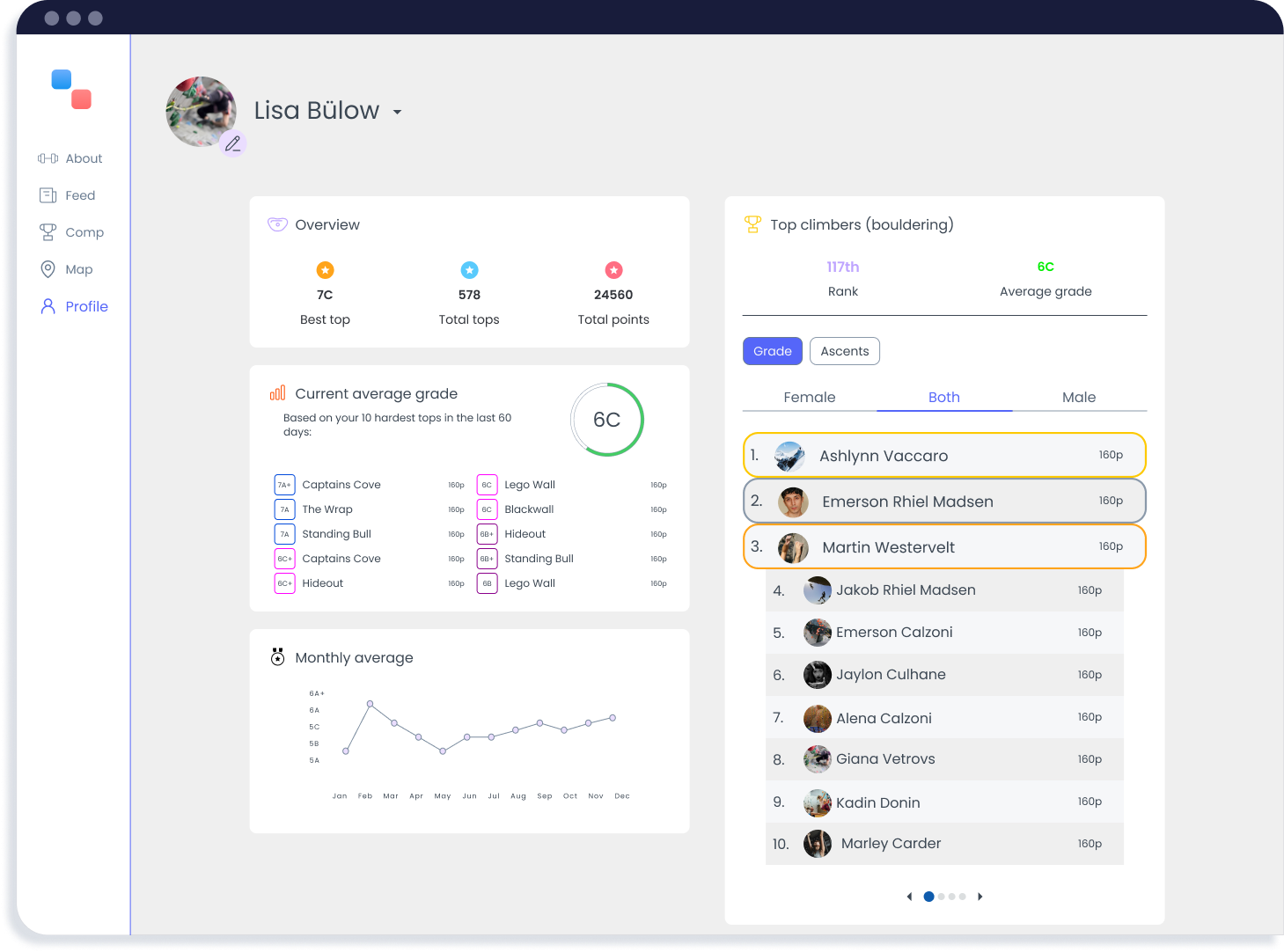
As a gym, you get...
A modern interactive map
Give your climbers a digital overview of your gym with a performant interactive map that lets them find routes, rate, grade and track their progress.
Competition facilitation
Host and manage climbing competitions effortlessly. Customize your competition with the rules that you prefer and engage your community with real-time live leaderboards and automatic scoring.
Gym page and easy outreach
Get your own customizable gym page with your shop, events and classes, and send notification updates directly to your climbers.
Insights and analysis
Understand your climbers better with data-driven insights. See which routes are popular, track engagement, and make informed decisions about route setting.
No login required
...and for the climbers
Explore your gyms map
Get a complete gym overview with the interactive map. Explore all the routes and their grades while marking your journey by rating, favoriting, and logging each climb.
Track your progress
Track your average grade, explore your statistics, gain badges and climb the ranks alongside fellow climbers.
Join competitions
Participate in climbing competitions hosted by your gym, and follow the competition on the live leaderboard.
Stay in sync
Get notified with latest news and updates from a feed curated by your gym. Never miss out on an event or offer again!
Get started
Three steps to get your gym on Intoclimb
It takes a few minutes on your side. We take care of the floorplan.
Step 1: Find your gym
Open the world map and find your gym. Pick it to make it yours.
Open the world mapStep 2: Add photos of your gym
On your gym's map screen, upload a few images of your walls. We use them to draw your floorplan.
Open the appStep 3: Done!
We reach out as soon as your floorplan is ready. In the meantime you can get hold of us here:
Contact
Any inquiries?
Interested in a demo?
Have some feature requests?
Want to provide some feedback?
Any questions?
Don't hesitate to reach out!
hello@intoclimb.com